
Restoring & Managing Purchases
Learn how users can manage and restore purchases made via the web.
When users purchase through web checkout, they can access their account details via a plan management page. This URL is included in their receipt, which is sent to their email after a successful purchase. To retrieve the link, users must enter the email they used during checkout. Otherwise, to offer this link manually you can use the following URL format:
https://{your URL in settings}.superwall.app/manageBy default, after a successful checkout, Superwall emails the address used at checkout with instructions and a redemption link to activate the purchase in your app. The email is sent from Your app name <support+your-app-name@superwall.app> with the subject Your activation link from your app name.
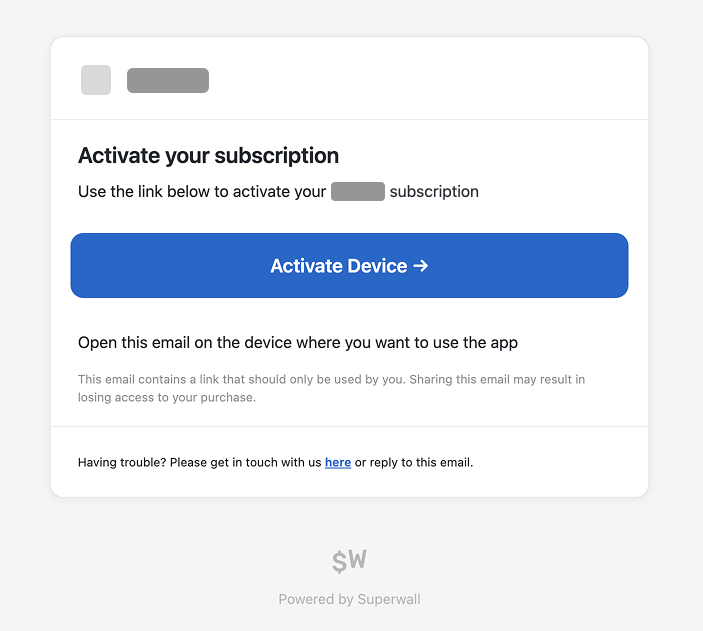
If you want to disable these emails, use the "Disable Superwall Emails" setting in your Stripe app settings — see how to disable the activation link email.
When this page is visited, users enter the email they used during checkout to receive a link to manage their purchase:
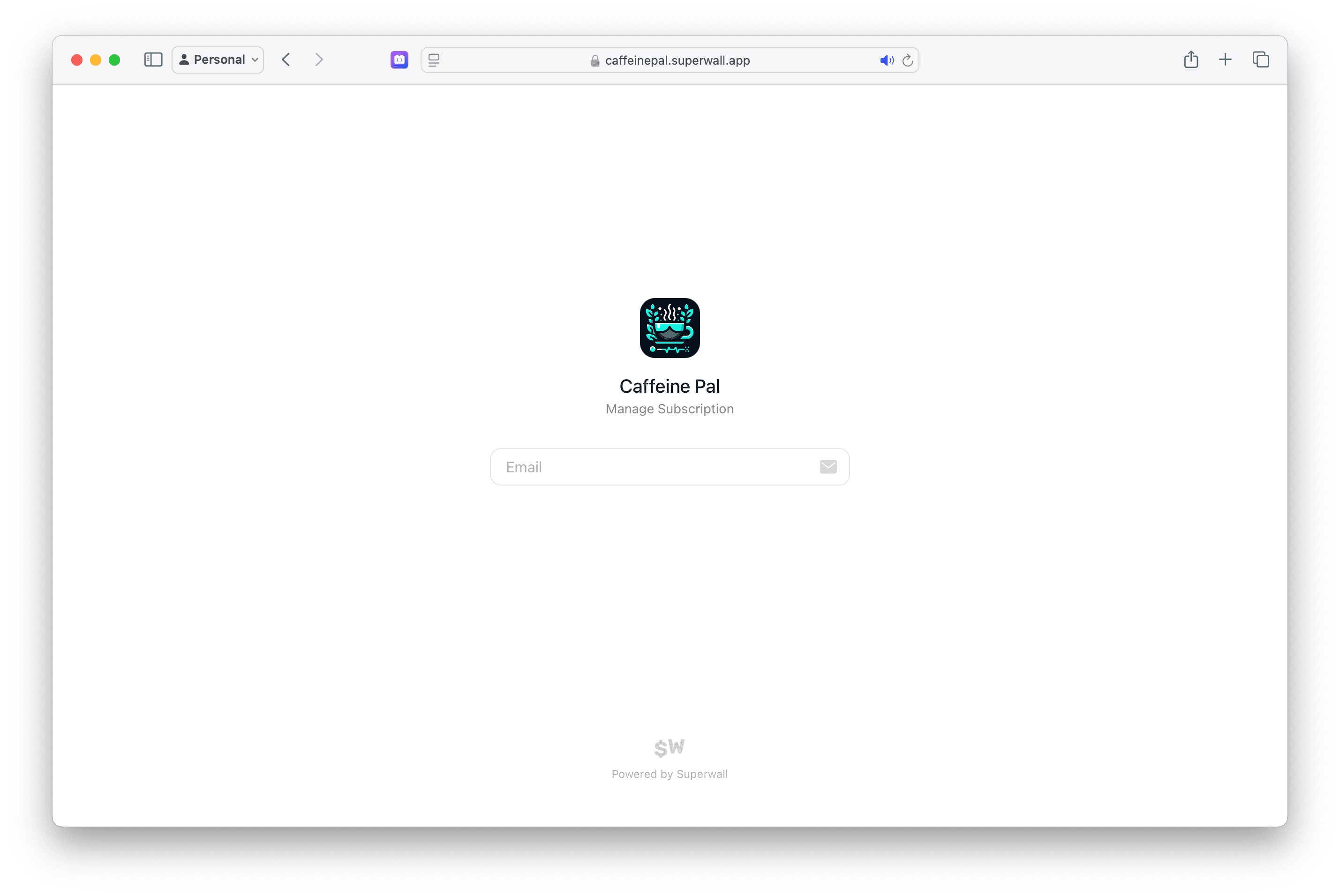
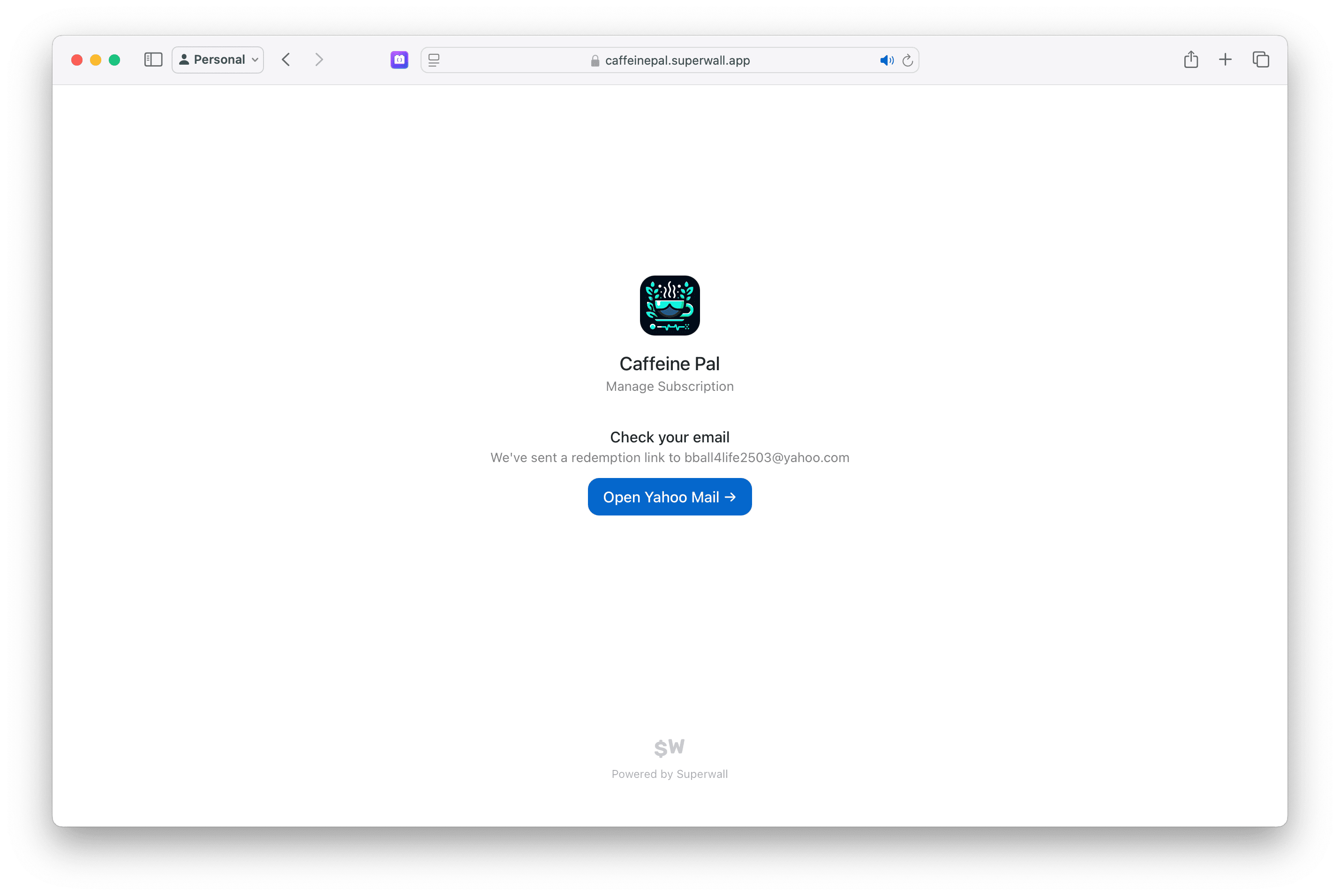
For the above example, the URL would be https://caffeinepal.superwall.app/manage. After entering their email, they will receive a link to restore access, manage subscriptions, update payment methods, view their billing history, and more:
For situations where a user needs to restore their purchases, check out the answer in this F.A.Q.
How is this guide?